
How to refill your Lexmark C2325dw, C2425dw, C2535dw MC2425adw, MC2535adwe or MC2640adwe
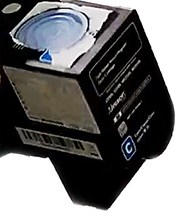
- Wait for the "Replace ..." message. And the printer refuses to print
- Remove the cartridge indicated by the "Replace ..." message
- Don't do anything with the other cartridges
- Remove the label on top of the cartridge
- Prise out the plug
- Pour toner in
- Replace plug
- Change the chip as shown in this video section
Get your Lexmark C2425dw series refills here
Note: in our experience, you'll need a T6 Torx bit to drive the 2 screws involved in changing the chip.
Google "torx bit set" and you'll see lots of options starting at £2-74 at the time of writing.
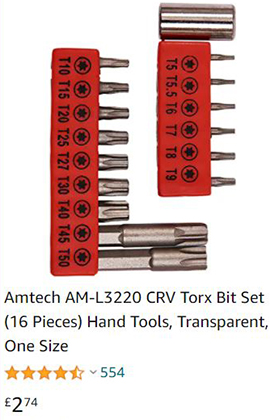 Above: Amtech Torx Bit Set seen on amazon.co.uk April 2021
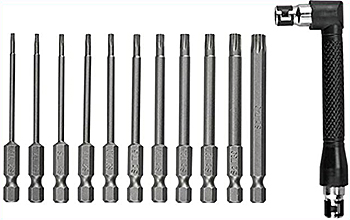 This Torx Bit Set comes with a handle to drive any of the bits, but they
can also be used with any electric drill
This Torx Bit Set comes with a handle to drive any of the bits, but they
can also be used with any electric drill